
Virtual data room
Keep the deal moving.
Bring the documents, people, and work around the deal into one place.
Know what is happening in the room.
Give each person the access they need, keep sensitive documents protected, and see what has happened inside the room.
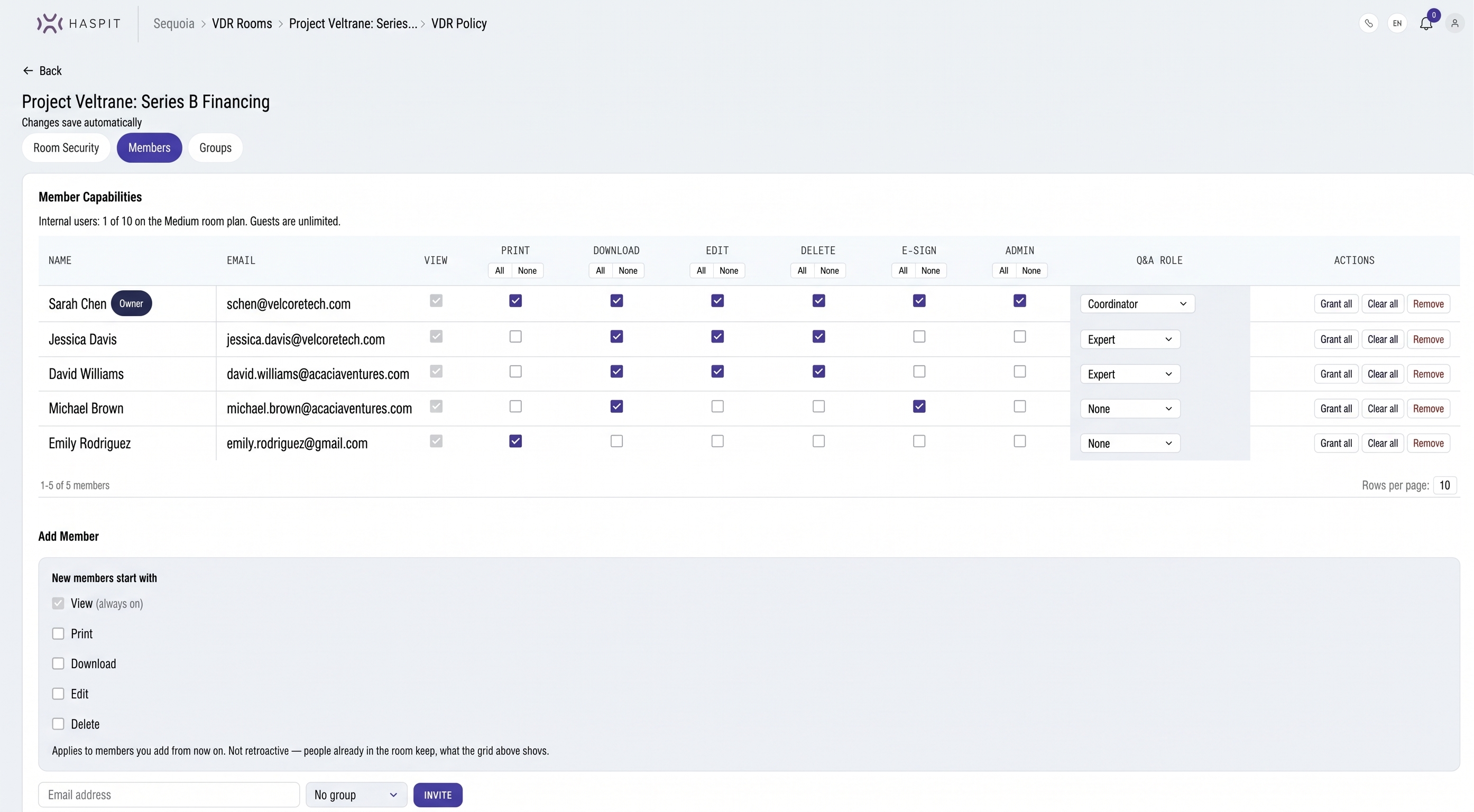
Watermark & locks
Keep sensitive documents protected.
Add the reader’s name to documents and control whether people can download or print them.
- Watermark on view
- Watermark on download
- Disable download
- Disable print
- Room two-factor
- IP allowlist
- Document expiry
Questions and deadlines
No more chasing questions through email.
Keep document questions and answers in the room, where everyone can find them.
- Change-of-control clause in the Apex supply contract?Contracts / Suppliers / Apex MSA.pdf · NorthbridgePublishedanswered 1d early
- Reconcile deferred revenue between FY24 model and auditFinancials / FY24 audited.pdf · MeridianIn reviewdue in 2d
- Any pending employment claims?Legal / Litigation summary.docx · NorthbridgeOverdue1d overdue
See what has been opened
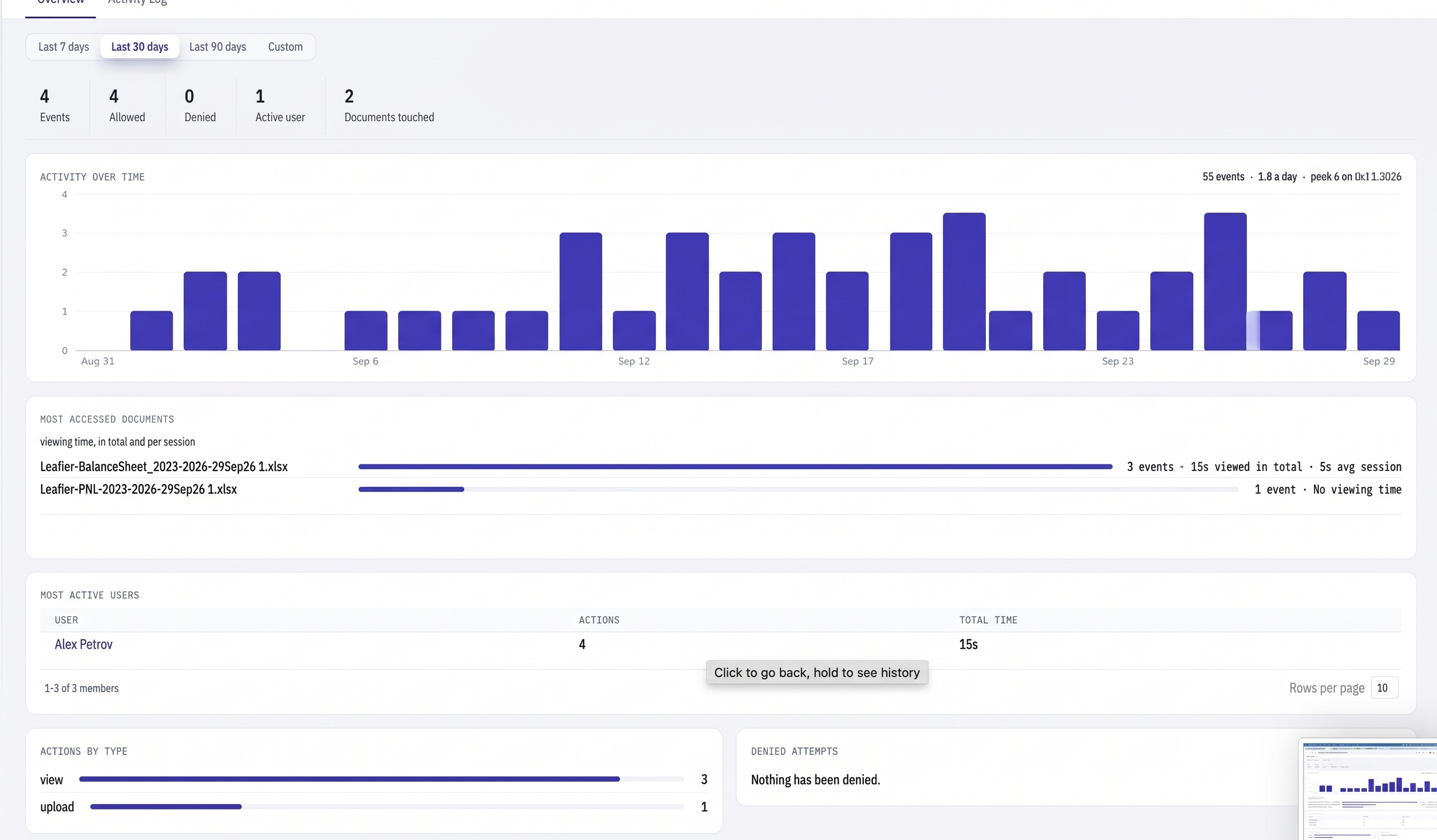
Know what happened.
See who opened a document, when they opened it, and what they did.
Full-text search with OCR
Scanned PDFs are indexed after OCR. You can search the file name right away, then search the text once OCR is done.
E-signature inside the room
Send one document to several signers. The signed copy is added back to the room as a new version.
Comments on documents
Anyone in the room can comment on a document, including view only guests. Close the thread when the question is resolved.
Open Word, Excel and PowerPoint files
Word, Excel, PowerPoint, and image files open in the browser. There is nothing to install.
For smaller deals and private transactions.
See all use cases →Fund raises and portfolio sales
LP data rooms and sell-side processes without a per-deal software negotiation.
AdvisorsBoutique M&A and investment banks
Run six bidders at once and see who read the model before the second round.
Law firmsTransaction and disclosure work
Watermark documents, allowlist the client’s office, and keep the audit trail.
FoundersStartups raising a round
A data room for Series A diligence without a large software bill.